• Home
  • Online Courses
    • Simple Self-Contained Setup 101®
      • Success Stories
    • Simple Centers System
    • Course Member Sign In
  • Shop Now
    • Shop Now
    • Free Resources
    • Gift Cards
    • Cart
    • Purchase Orders
    • School Licenses
    • My Account
  • Free Webinars
  • Blog
    • Academics
      • Adapted Books
      • Comprehension
      • Cooking
      • Crafts
      • ELA
      • ESY
      • Fine Motor
      • Life Skills
      • Math
      • Occupational Therapy
      • Science
      • Sensory Bins
      • Social Emotional Learning
      • Social Skills
      • Social Studies
      • Speech Therapy
      • Task Boxes
      • Vocabulary
      • Writing
    • At Home Learning
      • Digital
      • Remote Learning
    • Behavior
      • ABA
      • Communication
        • AAC
      • Data
      • Schedules
      • Visuals
    • Simple Classroom
      • Back to School
      • Book Recommendations
      • Classroom Setup
      • Freebies
      • IEP
      • Inclusion
      • Inspiration
      • Organization
      • Paraprofessional
      • Remote Learning
      • Seasonal
        • Fall
        • Winter
        • Spring
        • Summer
    • Tot School
  • Classroom Tours
    • Self-Contained
    • Speech
    • Preschool
    • Elementary Autistic Support
    • K-2
    • K-2 (Socially Distanced)
    • K-4 (Tiny Room)
    • 1-4 (Life Skills)
    • 2-3 (ABA)
    • Middle School
    • High School
    • High School (Life Skills)
    • Multiple Disabilities
  • New Teachers
    • Join My Online Course
    • First Year
    • Interviews
    • Job Search
  • Grade Level
    • Preschool
    • Primary
    • Elementary
    • Middle School
    • High School
  • More…
    • Meet Alyssa
    • Meet Our Bloggers
    • Collaborate
    • Guest Blogging
    • Contact Me
    • Disclosures
    • Facebook
    • Instagram
    • Pinterest

Simply Special Ed

Resource Downloads & Teaching Advice

Academics At Home Learning Blog Digital Remote Learning

How to Use Nearpod™ for Special Education

How to Use Nearpod™ for Special Education header

Are you teaching remotely, via a hybrid model, or in-person? How are you keeping your students engaged during your lessons? I use Nearpod™, which allows me to create interactive lessons to keep my students engaged. Read on to find out how I use Nearpod™ for my special education classroom!
Image of the Nearpod™ logo. Retrieved from https://nearpod.com
Image retrieved from https://nearpod.com

What is Nearpod™?

Nearpod™ is an app that allows educators to engage students with interactive lessons. You can create these lessons on Nearpod.com or via Google™ Slides. Nearpod™ offers features such as quizzes, polls, videos, collaboration boards, and more. With these features, you can keep everyone engaged no matter where you are teaching from!

You can learn more about Nearpod™ here: https://nearpod.com/ .

Image for ways to use Nearpod™

Ways to Use Nearpod™

To use Nearpod™, students access the teacher’s presentation using a code. Students can choose between a web browser and an app. Both options work on any device with an internet connection. 

In Live Participation mode, the teacher moves through the presentation with the students as a class and lets students interact with the media as they go. Alternatively, teachers can use Nearpod™ in the Student-Paced mode. In this mode, each student controls the pace and flow of the lesson.  This mode is perfect for sub days, weather days, homework assignments, or independent work.

The Nearpod™ blog outlines 10 ways to use Nearpod™ in the classroom. Read it here: https://nearpod.com/blog/nearpod-in-the-classroom/.
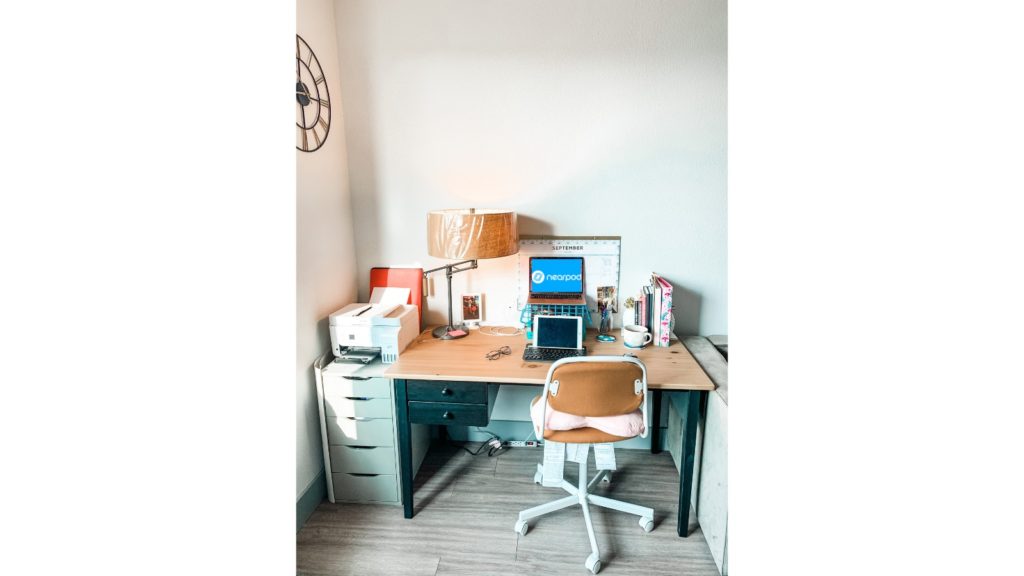
Image for How I use Nearpod™ in my Special Education Classroom

How I Use Nearpod™ in my Special Education Classroom?

Create interactive Google™  slides using the Nearpod™  Google™ extension

First, download the Nearpod™ add-on on Google™ Slides. After that, add interactive components to your presentations. My favorite Nearpod™ features to use are quizzes, polls, and Draw It.

Give students 2 options to access the interactive presentation

I mostly use the Live Presentation mode. The two access options are: (1) giving students the code in class, and (2) putting the direct access link in the chatbox.

You will need:

Your device for teacher view & students will need their own device for student view.
Tiffany, SSE Blogger, Signature
How to Use Nearpod™ for Special Education pin

Related Posts:

  • image
    Why I switched from General Education to Special Education
  • Fall Fine Motor Q Tip Painting
    Q-Tip Painting in Special Education
  • Substitute-Plans-Camping-5
    Camping Lessons for Special Education
Share
Pin


« Is the Term Appropriate Play, Appropriate?
Fun Paint Chip Activities to Focus on Fine Motor Skills »
Hi amazing teachers!
I'm Alyssa Shanahan -- a former Elementary Special Ed & Life Skills teacher. My classroom focus was always to keep things simple, increase communication, and build independence. Simply Special Ed's goal is to help teachers and students reach their full potential in and out of the classroom!

Sign up to receive exclusive tips,
free resources, and more!

Recent Posts

Holiday Book Companions

Image of a teacher using technology to display contents of his lesson.

Three Ways I Use Technology During Morning Meeting

Sharing My Centers Lesson Plans

Holiday Visual Crafts for Special Education

november special education crafts

Thanksgiving Visual Crafts for Special Education

How to Teach Staying in Your Seat During Centers

Copyright © Simply Special Ed 2025 · Design by Fancy Girl Design Studio

Copyright © 2025 · Simply Theme on Genesis Framework · WordPress · Log in

We use cookies to ensure that we give you the best experience on our website. If you continue to use this site we will assume that you are happy with it.